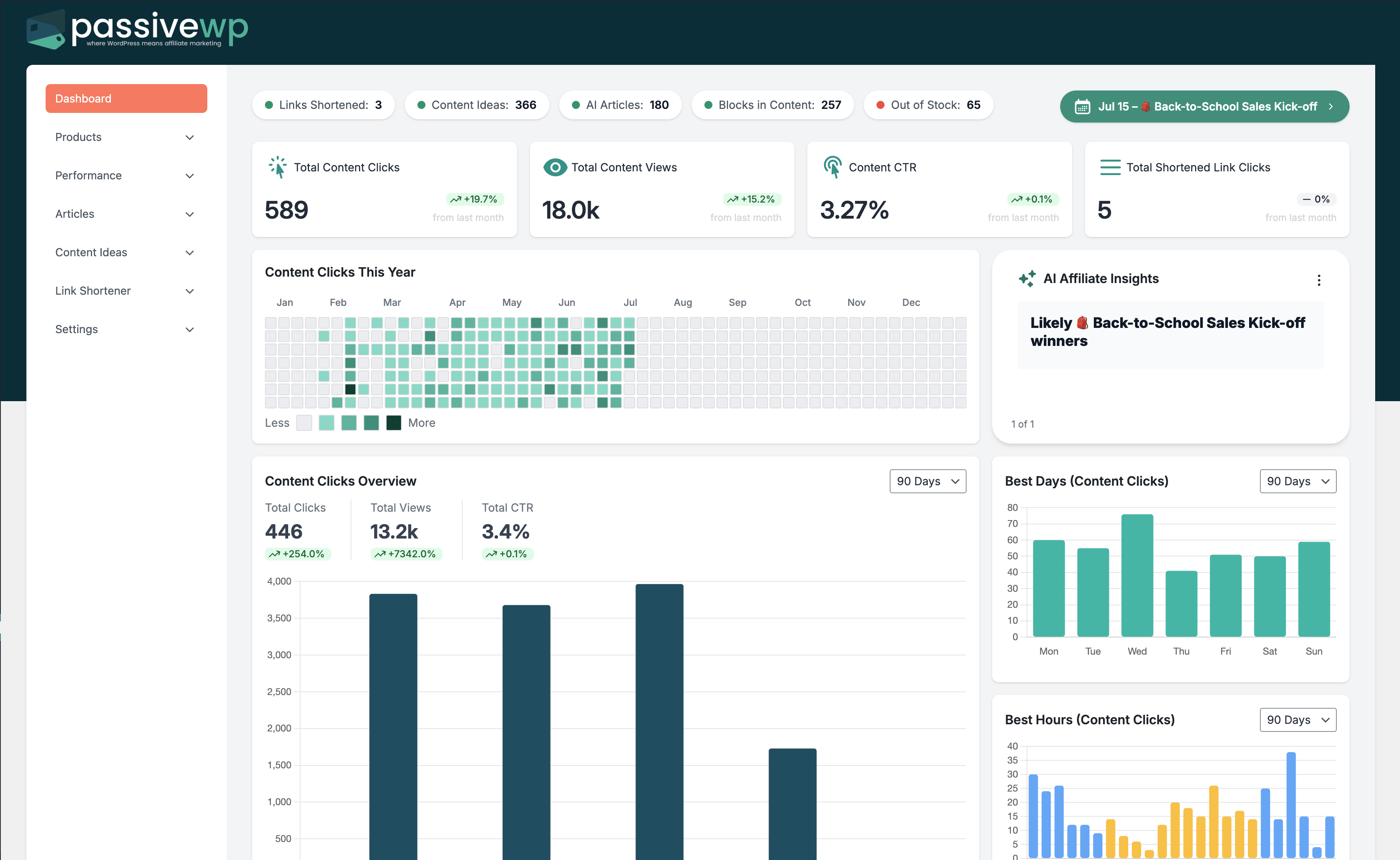
Set up PassiveWP and publish your first win
Start with install, setup, and getting-started docs when the foundation is still the blocker.
Search help articles, browse categories, and find step-by-step instructions for setup, automation, analytics, money pages, and more.
Start with the section that matches what you need help with, then open the article that best fits your issue.
Start with install, setup, and getting-started docs when the foundation is still the blocker.
Use help docs that support roundups, review layouts, blocks, and cleaner click paths.
Jump into AI, automation, and strategy docs when you need the system to keep publishing cleanly.
Use reporting and analytics docs when you need to confirm what is working before making the next change.
Use these pages when you need onboarding, broader feature context, or direct support.
Follow the getting started flow and get your first strategy-to-publish cycle running quickly.
Open getting startedSee how each PassiveWP feature works inside the full affiliate execution system.
Browse feature pagesReach out when you need product help, account support, or technical clarification.
Contact supportJump into the exact part of PassiveWP you need help with and open docs directly from each category.
Focused docs for this part of PassiveWP so you can solve the exact problem in front of you.
Plan, queue, and publish without losing control of the workflow.
Track what is working, confirm clicks, and choose the next optimization.
Build clearer affiliate pages and cleaner product decisions inside WordPress.
Track what is working, confirm clicks, and choose the next optimization.
Focused docs for this part of PassiveWP so you can solve the exact problem in front of you.
Track what is working, confirm clicks, and choose the next optimization.
Focused docs for this part of PassiveWP so you can solve the exact problem in front of you.
Track what is working, confirm clicks, and choose the next optimization.
Plan, queue, and publish without losing control of the workflow.
Track what is working, confirm clicks, and choose the next optimization.
Focused docs for this part of PassiveWP so you can solve the exact problem in front of you.
Plan, queue, and publish without losing control of the workflow.
Track what is working, confirm clicks, and choose the next optimization.
Plan, queue, and publish without losing control of the workflow.
Focused docs for this part of PassiveWP so you can solve the exact problem in front of you.
Install, connect, and get your first publishing workflow moving.
Commonly-used guides to help you get to the right article faster.
Build cleaner money pages, keep product data fresh, and know what to improve next without stacking more tools on top of WordPress.