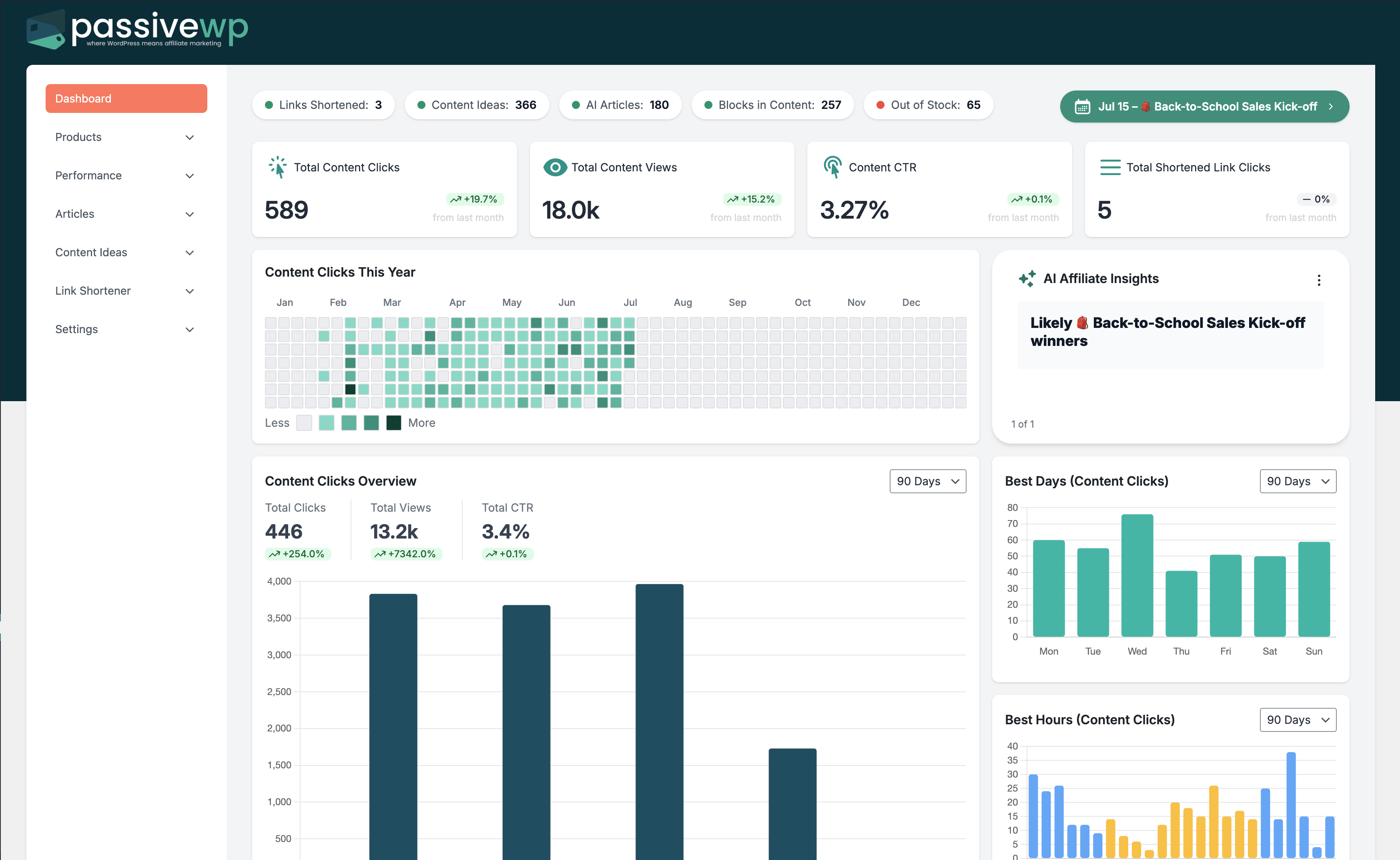
Sync, automation, or imports stay pending for long periods.
Where to Check in PassiveWP
WordPress Admin -> PassiveWP
Step-by-Step Fix Walkthrough
Fix Step 1: Generate traffic or configure a real server cron trigger.
Go here WordPress Admin→PassiveWP
Do this Use WordPress Admin→PassiveWP to run generation for one item first, review the output manually, then continue with the remaining items.
Confirm No blocking error banner appears, and the next step is available.
Fix Step 2: Check host restrictions for scheduled tasks and loopback calls.
Go here WordPress Admin→PassiveWP
Do this From WordPress Admin→PassiveWP, choose your publish mode (Draft/Publish/Schedule), confirm date/time if scheduling, then save or run.
Confirm The article/post should show the correct status and visible metadata.
Fix Step 3: Process backlog in smaller batches.
Go here WordPress Admin→PassiveWP
Do this In WordPress Admin→PassiveWP, do this in order: open the relevant panel, find the control related to "Process backlog in smaller batches.", apply one change, click Save/Run, then reload once to confirm it stuck.
Confirm No blocking error banner appears, and the next step is available.
Fix Step 4: Monitor queue drain rate after adjustments.
Go here WordPress Admin→PassiveWP
Do this Use WordPress Admin→PassiveWP to run generation for one item first, review the output manually, then continue with the remaining items.
Confirm Generation should complete without authentication, quota, or model errors.
Most Common Causes
- WP-Cron not triggered reliably on low-traffic sites.
- Server-side task limits or blocked loopback requests.
- Too many queued tasks for available resources.
How to Prevent It Next Time
- Use stable scheduled task infrastructure.
- Avoid launching large jobs simultaneously.
- Review queue metrics weekly.
When to Contact Support
- You completed every fix step and still get the same error.
- The issue impacts revenue-critical pages or high-volume campaigns.
- You can share timestamps, affected link/product IDs, and screenshots of the exact error state.