Article status remains queued for too long.
Where to Check in PassiveWP
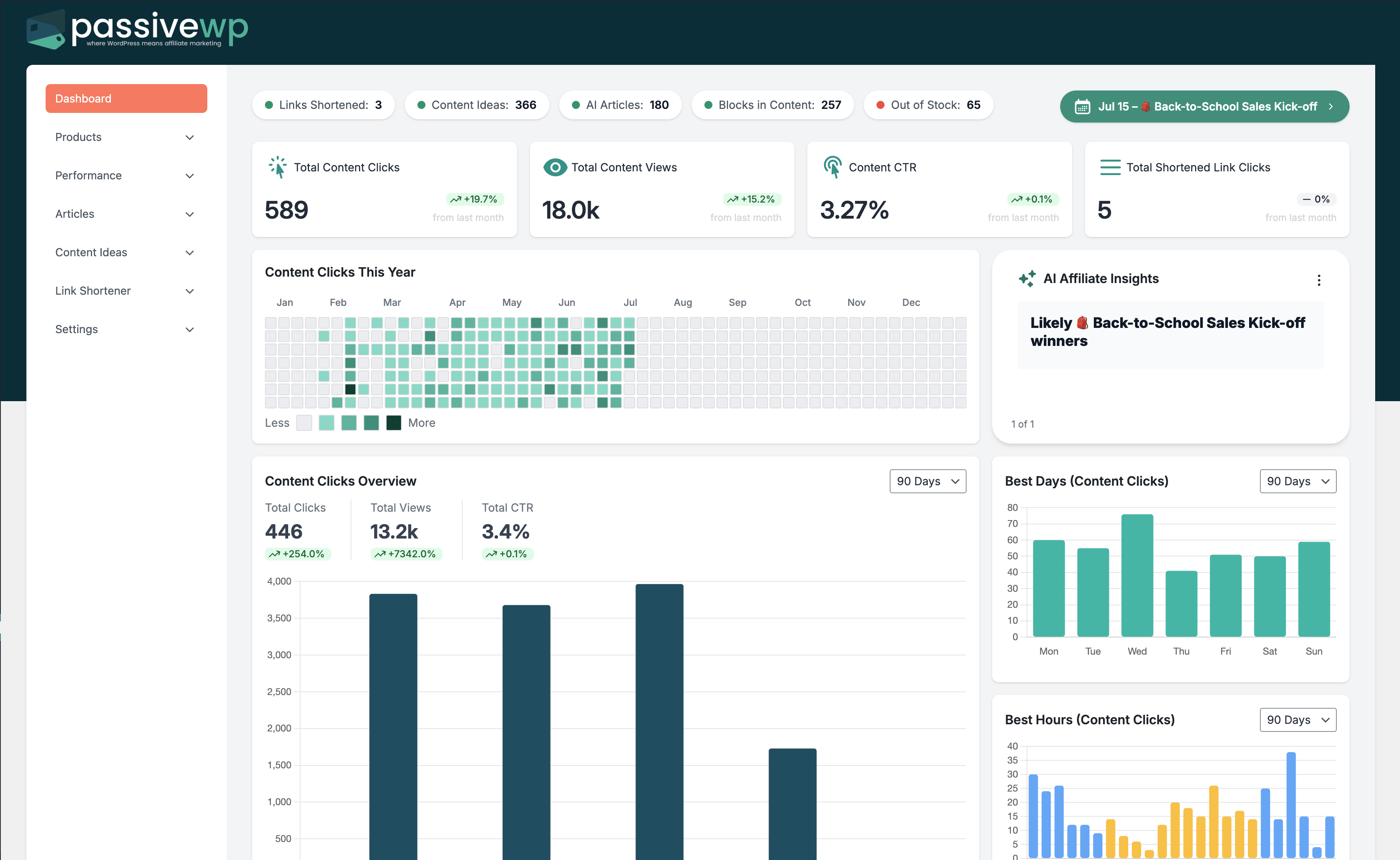
WordPress Admin -> PassiveWP
Step-by-Step Fix Walkthrough
Fix Step 1: Confirm cron/background tasks are running.
Go here WordPress Admin→PassiveWP
Do this In WordPress Admin→PassiveWP, do this in order: open the relevant panel, find the control related to "Confirm cron/background tasks are running.", apply one change, click Save/Run, then reload once to confirm it stuck.
Confirm No blocking error banner appears, and the next step is available.
Fix Step 2: Run OpenAI and Amazon tests to verify dependencies.
Go here WordPress Admin→PassiveWP
Do this Open WordPress Admin→PassiveWP, click the test/validate action in that screen, and wait for the result notice before continuing.
Confirm You should see a Connected/Success result with no red error notice.
Fix Step 3: Reduce concurrent job volume and retry.
Go here WordPress Admin→PassiveWP
Do this In WordPress Admin→PassiveWP, do this in order: open the relevant panel, find the control related to "Reduce concurrent job volume and retry.", apply one change, click Save/Run, then reload once to confirm it stuck.
Confirm No blocking error banner appears, and the next step is available.
Fix Step 4: Clear failed jobs and relaunch in smaller batches.
Go here WordPress Admin→PassiveWP
Do this Use WordPress Admin→PassiveWP to run generation for one item first, review the output manually, then continue with the remaining items.
Confirm Generation should complete without authentication, quota, or model errors.
Most Common Causes
- Background workers not running reliably.
- Credential or quota failures in dependent services.
- Queue congestion from too many pending jobs.
How to Prevent It Next Time
- Schedule generation in manageable daily chunks.
- Watch queue health before launching big campaigns.
- Keep credentials and quotas proactively maintained.
When to Contact Support
- You completed every fix step and still get the same error.
- The issue impacts revenue-critical pages or high-volume campaigns.
- You can share timestamps, affected link/product IDs, and screenshots of the exact error state.