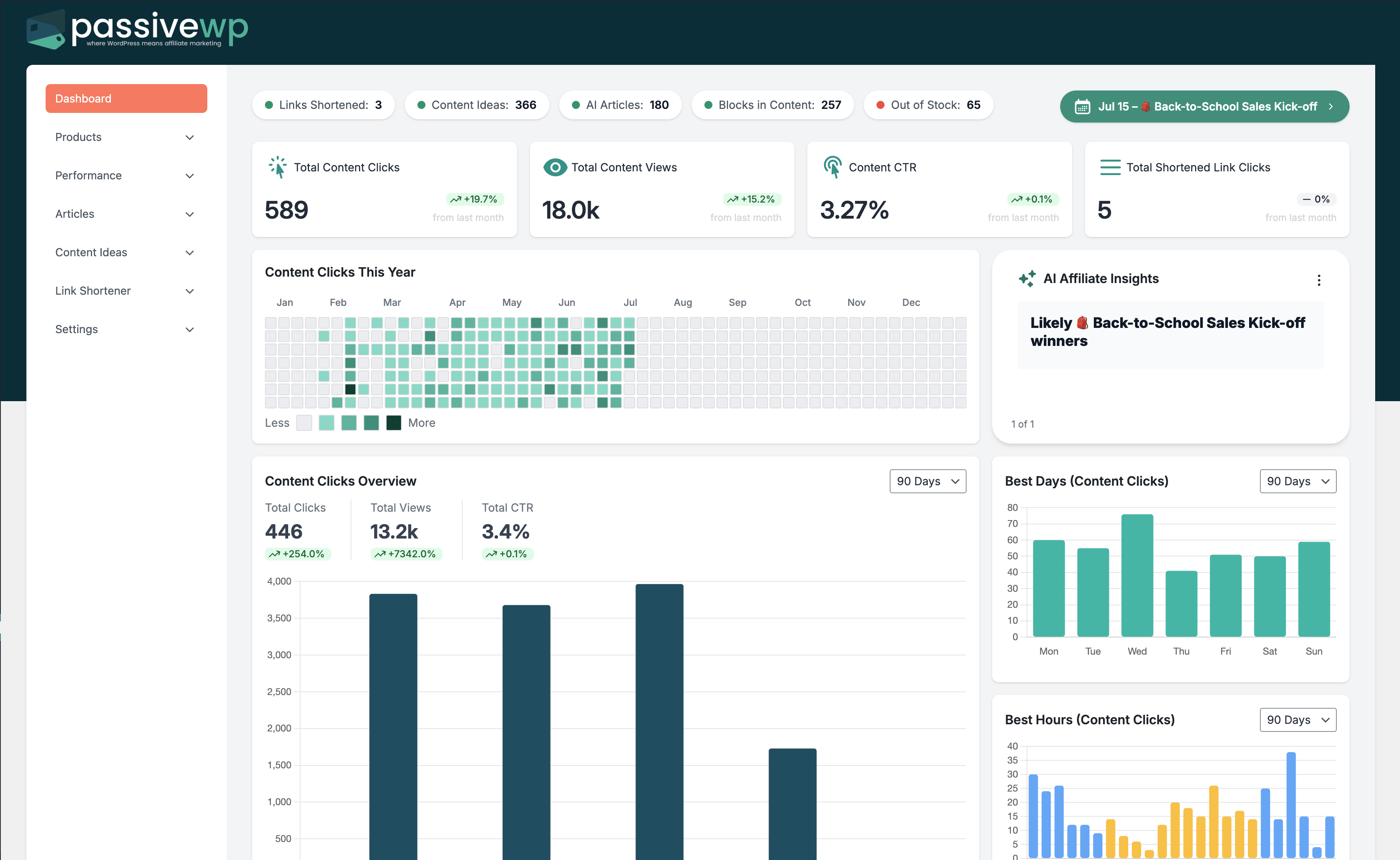
Automated keyword linking can increase monetized clicks if link placement stays context-aware.
When to Use This Guide
Use this when you are planning, generating, or scaling affiliate content while keeping quality control.
Before You Start
- You are logged into WordPress with an Administrator account.
- You can open PassiveWP content tools (Articles/Strategies/Automations).
- OpenAI is connected if the workflow uses AI generation.
Exact Menu Path
WordPress Admin -> PassiveWP -> Content Automations -> My Automations
Step-by-Step Walkthrough
Step 1: Select branded links tied to your highest-value offers.
Go here WordPress Admin→PassiveWP→Content Automations→My Automations
Do this In Add New Automation, select strategy, configure generation/publish mode, save, then run one manual test cycle.
Confirm Automation status should update and at least one output should appear as Draft Ready/Scheduled after a test run.
Step 2: Define keyword variations that match intent naturally.
Go here WordPress Admin→PassiveWP→Content Automations→My Automations
Do this In Add New Automation, select strategy, configure generation/publish mode, save, then run one manual test cycle.
Confirm Automation status should update and at least one output should appear as Draft Ready/Scheduled after a test run.
Step 3: Exclude sensitive contexts where links should not auto-insert.
Go here WordPress Admin→PassiveWP→Content Automations→My Automations
Do this In Add New Automation, select strategy, configure generation/publish mode, save, then run one manual test cycle.
Confirm Automation status should update and at least one output should appear as Draft Ready/Scheduled after a test run.
Step 4: Run on a small content set first and review manually.
Go here WordPress Admin→PassiveWP→Content Automations→My Automations
Do this In Add New Automation, select strategy, configure generation/publish mode, save, then run one manual test cycle.
Confirm Automation status should update and at least one output should appear as Draft Ready/Scheduled after a test run.
Step 5: Expand only if engagement quality remains strong.
Go here WordPress Admin→PassiveWP→Content Automations→My Automations
Do this In Add New Automation, select strategy, configure generation/publish mode, save, then run one manual test cycle.
Confirm Automation status should update and at least one output should appear as Draft Ready/Scheduled after a test run.
Quick Troubleshooting Checks
- Confirm OpenAI is connected before running generation jobs.
- Run one draft first and review quality before bulk operations.
- Check article/strategy status logs for stalled phases.
Common Mistakes to Avoid
- Publishing AI drafts without human edits.
- Targeting broad topics with weak buyer intent.
- Over-automating without weekly quality review.
Success Checklist
- Article serves a clear search intent.
- Monetization blocks match article context.
- Disclosure and compliance language is present where needed.
Pro Tips for Affiliate Marketers
- Use AI for speed, then add personal examples and comparisons.
- Refresh top articles monthly instead of publishing only new posts.
- Map each article to one conversion goal.
If You Get Stuck
Open the matching troubleshooting article in this help center and repeat one step at a time instead of changing multiple settings at once.